
Your portfolio has three projects. Each one has a screenshot, a title and two buttons: “Live demo” and “Code.” A recruiter clicks the first one, sees a working app and leaves. They still don’t know what problem it solves, which parts you built or how you think.
A developer portfolio case study fixes that. It’s a short write-up that tells the story behind a project: the problem, your decisions, one challenge and the result. This guide explains the six parts to include, gives you a template to copy, shows a complete example and covers how to adapt it for QA and data projects and where to publish it.
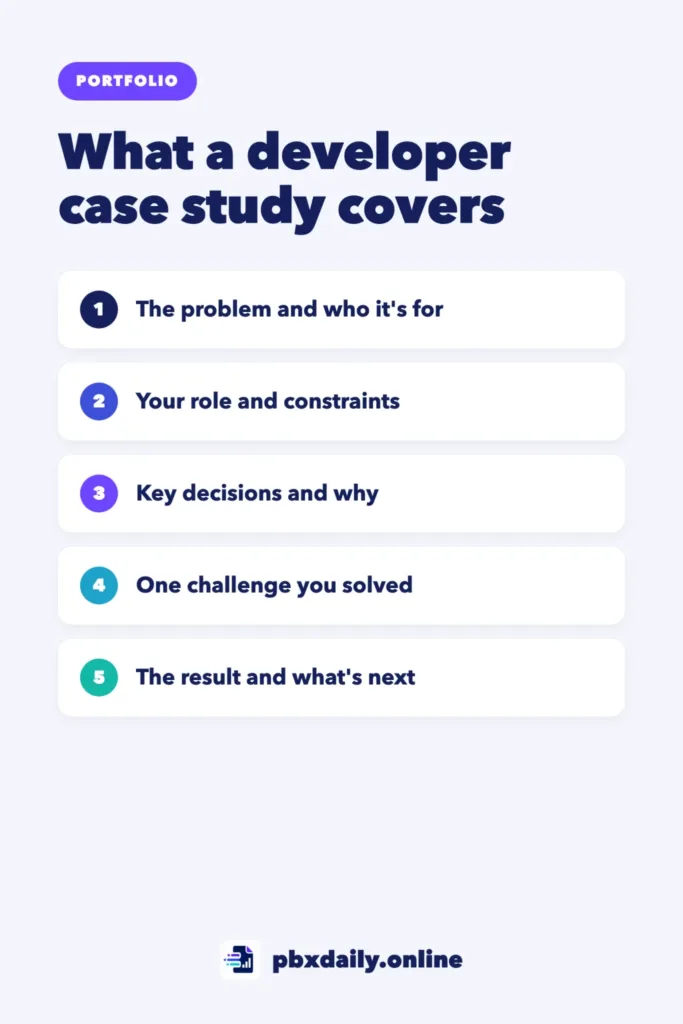
What a Developer Case Study Is
A developer case study is a short explanation of a project that shows how you approached it, not only what it looks like. It describes the problem, your role, the key decisions you made and why, a challenge you solved and what happened in the end. For a beginner project, 300 to 500 words and one or two captioned screenshots are usually enough.
Many case study guides online are written for designers and focus on user research and wireframes. A developer case study puts more weight on technical decisions, trade-offs and how you solved problems in the code.
The 6 Parts of a Developer Portfolio Case Study
Use these six parts in order. Each one answers a question a reviewer is likely to have.
1. One-Line Summary
Start with one sentence that says what the project is, who it’s for and what it’s built with. “A budget tracker for freelancers that turns bank exports into monthly reports, built with JavaScript and Chart.js.” A busy reader who stops here still learns something.



2. The Problem
Explain the problem in two or three sentences. Who has it, and why does it matter? Real problems make stronger case studies, even small ones from your own life or old job.
3. Your Role and Constraints
Say what you did. If you built it alone, say so. If it was a team project, name your part clearly. Then list the constraints: a deadline, a tool you had to use, no budget for paid services or a requirement to work on mobile. Constraints explain your decisions.
4. Key Decisions and Why
Choose two or three decisions and explain your reasoning. Why that framework or no framework? Why store data in the browser instead of a database? Why that layout? Reviewers learn the most from this part, because it shows you can make choices instead of following steps.
5. One Challenge You Solved
Describe one specific problem you hit, what you tried and how you fixed it. Bugs make good stories: what went wrong, how you found the cause and what you changed. Our guide to debugging for beginners can help you describe your process clearly.
6. Result and What You’d Improve
End with the outcome: it’s live, people use it, it saves you an hour a week or you learned a specific skill. Then name one or two things you’d improve with more time. That shows you can judge your own work honestly.
A Case Study Template You Can Copy
Replace everything in brackets. Keep each section short.
[Project name]
[One sentence: what it is, who it's for, what it's built with]

Live demo: [link]   Code: [link]

THE PROBLEM
[Who has the problem and why it matters, in 2 or 3 sentences]

MY ROLE AND CONSTRAINTS
- Role: [solo project / my part in the team]
- Timeline: [how long it took]
- Constraints: [deadline, tools, budget, devices]

KEY DECISIONS
- [Decision 1]: [why you chose it]
- [Decision 2]: [why you chose it]

A CHALLENGE I SOLVED
[What went wrong, how you found the cause, what you changed]

RESULT
[What the project does now, who uses it, what you learned]

WHAT I'D IMPROVE NEXT
- [Improvement 1]
- [Improvement 2]

[Screenshot with a one-line caption]
A Complete Example
Here’s a full case study for a small beginner project, written with the template above.
Bakery Order Form
A mobile-friendly order form for a neighborhood bakery that sends weekend orders by email, built with HTML, CSS and JavaScript.The problem. The bakery took weekend orders by phone, and on busy Fridays some orders were written down wrong or lost. The owner wanted customers to order online without paying for an ordering platform.
My role and constraints. I built it alone in three weeks. It had to be free to host, work well on phones and be simple enough for the owner to change prices herself.
Key decisions. I used plain JavaScript instead of a framework because the form had one page and the owner’s nephew, who helps with the site, only knows basic HTML. I kept prices in one small file so they can be edited without touching the rest of the code.
A challenge I solved. In testing, adding a 2.10 croissant and a 3.20 coffee showed a total of 5.300000000000001. The cause was how JavaScript handles decimal numbers. I changed the code to calculate in cents and only convert to dollars for display, and the totals were correct after that.
Result. The form has been live for two months and the owner now takes most weekend orders through it. I learned form validation, how to send form data by email and how to explain technical choices to someone who doesn’t code.
What I’d improve next. Add an order limit per time slot and a confirmation page that customers can save.
Notice the length: this developer portfolio case study can be read in two minutes, and every paragraph shows something about how the developer thinks.
Adapting It for QA and Data Projects
The same six parts work outside web development with small changes:
- QA and testing projects: the problem is what needed testing and why. Key decisions become what you chose to test first and why. The challenge can be a bug you found and how you reported it. The result is the bugs found and what changed. Our QA portfolio guide has templates for the test plan, test cases and bug reports.
- Data projects: the problem is the question you wanted to answer. Key decisions cover how you cleaned the data and which chart you chose. The result is the answer you found, with one clear chart. Our data analyst portfolio guide shows how to present three projects like this.
For project ideas in each area, see our list of portfolio project ideas for beginners.
Screenshots, Diagrams and Captions
One or two images are enough. Choose ones that show the most important part of the project, such as the main screen on a phone or a before-and-after view. Add a one-line caption under each image that explains what the reader is looking at. A simple diagram, such as boxes and arrows showing how data moves, helps when the interesting part isn’t visible on screen.
Where to Publish Your Case Study
- Your portfolio site: give each main project its own page with the full case study, and link to it from the project card.
- The project’s README: put a shorter version at the top of the repository. Our guide to writing a GitHub README recruiters will actually read shows how.
- LinkedIn: share a short post with the problem, one decision and the result, and link to the full version.
Writing it once and adapting it for each place takes little extra time.
Mistakes That Make Case Studies Hard to Read
- Listing every step. “First I created the folder, then I installed…” isn’t a case study. Keep only decisions and problems.
- Writing about the tutorial instead of your work. If the project came from a course, write about what you added or changed.
- Hiding your role in a team project. “We built” leaves the reader guessing. Say what you did.
- No result. End with what happened, even if it’s only what you learned.
- Walls of text. Use short sections with headings so readers can skim.
Developer Case Studies: Frequently Asked Questions
How long should a portfolio case study be?
For a beginner project, about 300 to 500 words is enough to cover all six parts. Longer can work for a bigger project, but every paragraph should show a decision, a problem or a result. If a reviewer can’t read it in a few minutes, cut it.
Can I write a case study for a tutorial project?
Yes, if you changed it in a meaningful way. Write about what you added, such as a new feature or a redesign, and why. If you only followed the steps, build something of your own first. Our guide on how to escape tutorial hell can help with that move.
Do developers need case studies if they have GitHub?
GitHub shows your code, but most reviewers won’t read it in detail at first. A case study tells them why the code is worth reading. Use both: a case study on your portfolio and a clean professional GitHub profile with the code behind it.
Your Next Step
Pick your strongest project and fill in the template above today, even if it’s rough. Then cut anything that isn’t a decision, a problem or a result, and add it to your portfolio. If your portfolio still needs work, start with our beginner developer portfolio guide.

Luiz Loiola is a digital strategist and the founder of PBX Daily. He writes about technology, programming, artificial intelligence, freelancing, remote work, career change, and online income, helping beginners and professionals build practical digital skills, create new career opportunities, and compete in the global online market.