
You just finished your fifth JavaScript course. You built the to-do app, the weather app and the calculator, and everything worked. Then you open an empty file to build something of your own and nothing comes. So you look for another course.
That loop is called tutorial hell, and it isn’t a lack of knowledge. It’s a lack of practice without help. This guide shows how to escape tutorial hell by removing that help gradually, with a four-step method, an exercise for each step and a two-week plan.
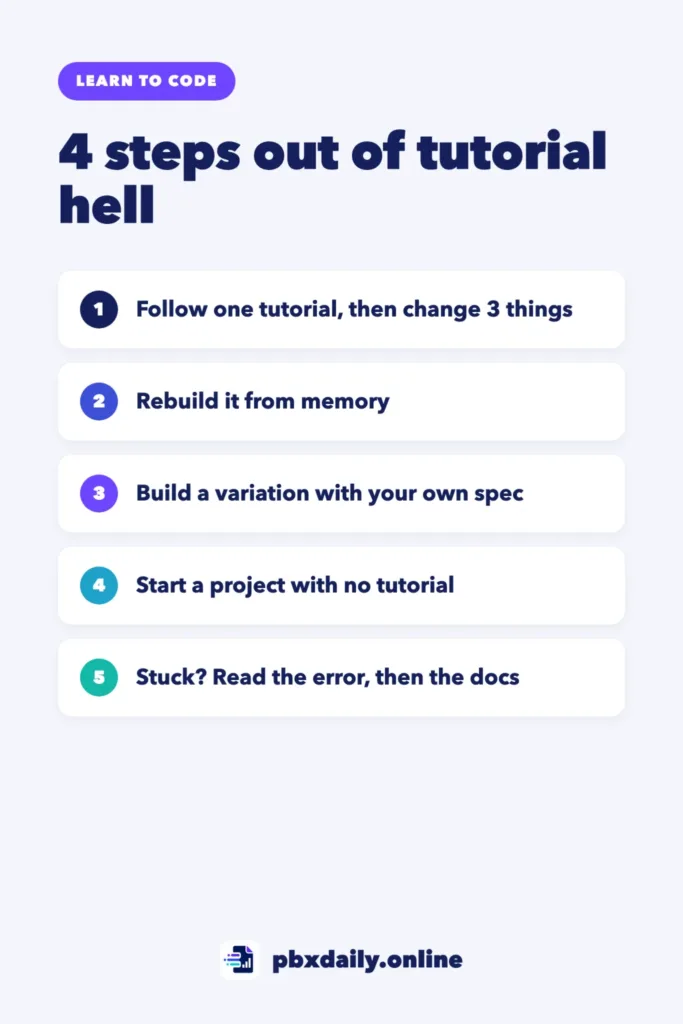
What Is Tutorial Hell? Signs You’re Stuck
Tutorial hell is the cycle of finishing one coding course or video after another without being able to build anything on your own. You understand the code while someone explains it, but you freeze in front of an empty file and start another tutorial instead.
You’re probably stuck if these sound familiar:
- You’ve finished several courses but haven’t built anything without a video open.
- You understand code when someone explains it, but you can’t write it from a blank file.
- When you hit an error, your first move is to search for another tutorial.
- You feel you need “one more course” before you’re ready to build.
Why Tutorials Feel Productive (and Aren’t Enough)
Tutorials feel productive because you’re always moving forward. The instructor makes the decisions, avoids most errors and tells you what comes next. You type along, the app works and it feels like progress.
But understanding code while you watch is different from writing it alone. Building on your own means deciding what to build, splitting it into small tasks, choosing where to start and fixing what breaks. A tutorial does all of that for you, so you never practice it.



The answer isn’t to quit tutorials overnight and jump into a big project. That usually ends in frustration and another course. Instead, take the support away one step at a time and move up only when the current step feels manageable.
How to Escape Tutorial Hell: The 4-Step Way Out
Step 1: Follow One Tutorial, Then Change Three Things
Pick one short tutorial and finish it. Then, without watching it again, change three things the instructor didn’t cover. The goal isn’t a better app; it’s making your first decisions without someone telling you what to type.
Exercise: If you built a to-do app, add a counter for unfinished tasks, a button to clear completed tasks and an “urgent” label.
Step 2: Rebuild It From Memory
Close the tutorial, move your code out of sight and build the same project again from an empty folder. You’ll forget things. That’s the point: each gap shows you what you haven’t learned yet.
Exercise: When you get stuck, check the original for that one piece only, note what you missed and keep going. Repeat until you can finish without checking.
Step 3: Build a Small Variation With Your Own Spec
Now change the project enough that the tutorial can’t help you. Before writing any code, write a short spec: three to five sentences about what the app does, who uses it and what “done” means.
Exercise: Turn the to-do app into a reading list. Your spec might say: “Users can add a book with a title and author, mark it as read and see how many books are left. The list stays after a page refresh.” Then build exactly that.
Step 4: Start a Project With No Tutorial at All
Pick a small idea with no matching tutorial and build it from your own spec. Break it into tasks you can finish in about an hour each, such as “show the list”, “add an item” and “save the data”.
Exercise: Write the spec and the task list before you open your editor. Finish the smallest working version first, then add features. When it works, publish it on GitHub with a short README. Our guide on how to write a GitHub README for portfolio projects has a template you can copy.
What to Do When You Get Stuck
Getting stuck is normal. What helps is a routine:
- Read the error message. Read all of it, including the file name and line number. MDN’s JavaScript error reference explains common errors in plain language.
- Check the documentation before videos. Docs answer one specific question quickly, while a video usually shows someone solving a different problem. Look up the exact method you’re using in the JavaScript reference.
- Use a 20-minute rule. Try on your own for 20 minutes before you ask for help. When you ask, explain what you expected, what happened and what you tried. Writing the question often shows you the answer. For a full method, see debugging for beginners.
- Make small commits. Commit each working version, so breaking something costs you minutes, not hours. Our guide to Git and GitHub for beginners shows you how.
A Two-Week Plan to Break the Cycle
Plan for about an hour a day. Adjust the days to your schedule, but keep the order.
| Days | What to do | Done when |
|---|---|---|
| 1 and 2 | Finish one short tutorial | The app works |
| 3 and 4 | Change three things | All three changes work |
| 5 to 7 | Rebuild the project from memory | You finish without checking the original |
| 8 | Write the spec for your variation | Spec and task list are ready |
| 9 to 11 | Build the variation | Everything in the spec works |
| 12 | Write the spec for a project with no tutorial | Each task fits in about an hour |
| 13 and 14 | Build the smallest working version | One core feature works end to end |
Two weeks won’t make you an expert, but you’ll have proof that you can start from an empty file and finish.
Project Ideas Small Enough to Finish
Each idea fits in a few sessions. If you’re still learning the basics, follow the right order to learn HTML, CSS and JavaScript first.
- Tip calculator: split a bill and tip between any number of people.
- Habit tracker: check off daily habits and keep your streak after a refresh.
- Flashcards: review English words or terms from your new field.
- Unit converter: kilograms to pounds, Celsius to Fahrenheit or any units you use.
- Countdown page: the days left until an exam, a trip or a birthday.
Once you’ve built two or three on your own, read what to include in a beginner developer portfolio to decide which to show. For bigger ideas organized by role, see our portfolio project ideas for beginners.
Tutorial Hell: Frequently Asked Questions
How long does it take to get out of tutorial hell?
It depends on how much you practice, but you don’t need months to see a change. The two-week plan above is enough to finish your first project without a tutorial. After that, getting out is a habit: start every new project from your own spec.
Should I stop watching tutorials completely?
No. Tutorials are useful for learning a new concept. The problem is using them as the only way to practice. Watch one when you need it, then close it and build something with what you learned.
What should I build first after tutorials?
Something small enough to finish in a few sessions, like the project ideas above. A finished tip calculator teaches you more than an unfinished clone of a big app.
Sources
- MDN Web Docs: JavaScript error reference
- MDN Web Docs: JavaScript reference
Your Next Step
Open the last tutorial project you finished, close the video and write down three changes the instructor didn’t make. Build the first one today and commit it. You’ve just started Step 1.

Luiz Loiola is a digital strategist and the founder of PBX Daily. He writes about technology, programming, artificial intelligence, freelancing, remote work, career change, and online income, helping beginners and professionals build practical digital skills, create new career opportunities, and compete in the global online market.