
You find a project you use every week. It has thousands of stars, hundreds of contributors and code you don’t fully understand. You’d like to help, but opening a pull request there feels like raising your hand in a room full of experts. So you close the tab.
Open source for beginners is less intimidating than it looks. Your first contribution doesn’t have to be complex code: fixing documentation, improving an error message or adding a test all count. The process is the same in almost every project: read the rules, pick a small issue, make the change and respond to feedback. This guide covers what counts as a contribution, how to find a beginner-friendly project, the step-by-step workflow from fork to pull request and how to show your contributions in your portfolio.
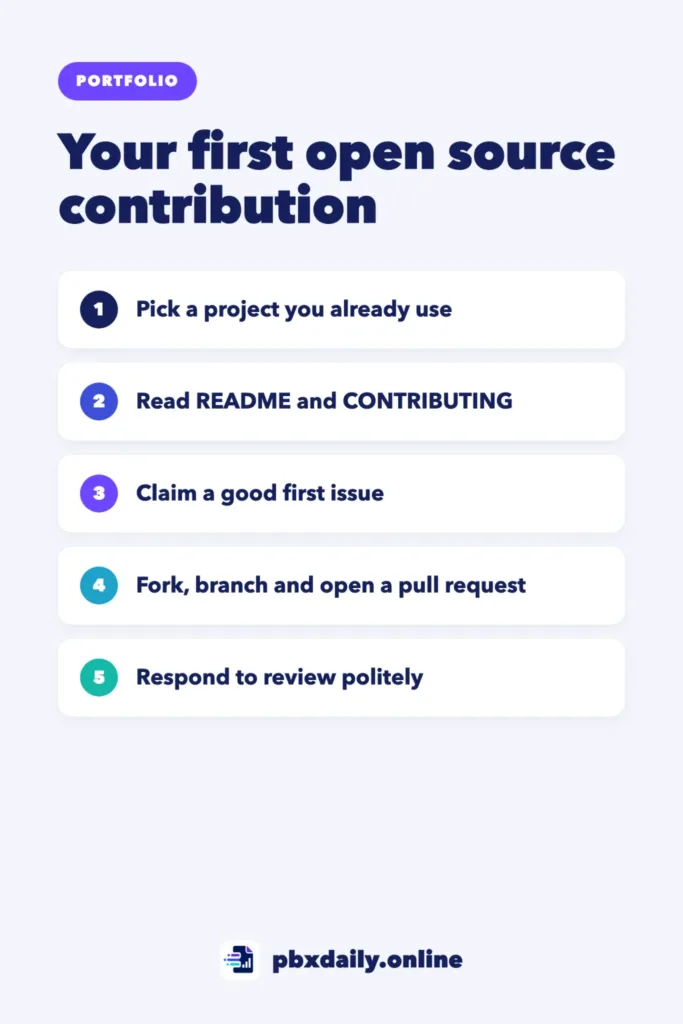
What Counts as an Open Source Contribution
The Open Source Guides, published by GitHub, are clear on this: you don’t have to contribute code. Useful contributions include:
- Documentation: fixing typos, clarifying confusing steps, adding a missing example.
- Bug reports: a clear issue with steps to reproduce a problem is valuable work.
- Tests: adding a test for behavior that isn’t covered yet.
- Translations: many projects need their docs or interface in other languages.
- Small code fixes: an edge case, a better error message or a small feature labeled for newcomers.
- Helping others: answering questions in issues or discussions once you know the project.
For a portfolio, code and documentation contributions are the easiest to show, because they leave a visible pull request with your name on it.
How to Find a Beginner-Friendly Project
The best first project is one you already use. You know how it’s supposed to work, so you’ll notice when something is confusing or broken.
Other ways to find one:



- Search for the “good first issue” label. Maintainers use it to mark tasks suited to newcomers. GitHub Docs explains that the label helps people find approachable issues. On GitHub’s search, try
is:issue is:open label:"good first issue" language:javascriptand change the language to yours. - Look at the tools behind your projects. Libraries, frameworks and tools you installed while building your own projects often welcome documentation fixes.
- Try beginner practice repositories. Projects like First Contributions on GitHub exist to let you practice the workflow safely.
Before you commit time, check that the project is healthy:
- Recent commits, ideally in the last few weeks.
- Issues and pull requests that get replies from maintainers.
- A README that explains how to install and run the project.
- A contributing guide and a code of conduct.
Read These Files Before You Start
Every project has its own rules. Reading these files first saves you from a rejected pull request:
- README: what the project does and how to set it up locally.
- CONTRIBUTING: how the maintainers want contributions, such as branch names, commit message style, how to run tests and whether to open an issue first.
- CODE_OF_CONDUCT: how people are expected to behave in the community.
- LICENSE: the terms under which your contribution will be shared.
Your First Contribution, Step by Step
This workflow fits most projects on GitHub. If Git commands are new to you, start with our guide to Git and GitHub for beginners.
- Comment on the issue. Say you’d like to work on it and ask if anyone else is already on it. Wait for a reply if the contributing guide asks you to.
- Fork the repository. On GitHub, click Fork to create your own copy.
- Clone your fork and create a branch.
- Make the change and test it. Run the project’s tests if it has them.
- Commit and push to your fork.
- Open a pull request. Describe what you changed, why, how you tested it, and link the issue.
# 1. Clone your fork (replace with your username and the project name)
git clone https://github.com/your-username/project-name.git
cd project-name

# 2. Create a branch for your change
git checkout -b fix-typo-in-install-guide

# 3. After editing, check and commit your change
git status
git add docs/install.md
git commit -m "Fix typo in install guide"

# 4. Push the branch to your fork
git push origin fix-typo-in-install-guide
After the push, GitHub shows a button to compare your branch and open a pull request against the original project. A short, clear description helps maintainers review it faster:
Fixes #123

Corrects the install command in docs/install.md.
The old command used an outdated package name.

Tested by following the install steps on a clean folder.
How to Handle Code Review
Maintainers may ask for changes. That’s normal, not a rejection. To keep it smooth:
- Reply politely and quickly. Thank them and ask if something isn’t clear.
- Push changes to the same branch. The pull request updates automatically.
- Don’t take it personally. Comments are about the code and the project’s standards.
- Be patient. Many maintainers are volunteers. If there’s no reply after a week or two, a short, friendly follow-up is fine.
Some pull requests don’t get merged even when they’re good, because the project’s plans changed. You still learned the workflow, and you can link to the discussion.
Keep Your Fork Up to Date
While you work, the original project keeps changing. If your fork falls behind, your pull request can show conflicts. Connect your local copy to the original repository, usually called “upstream,” and update your branch before you push:
# Run once: add the original project as "upstream"
git remote add upstream https://github.com/original-owner/project-name.git

# Before you start new work or when your PR shows conflicts
git fetch upstream
git checkout main
git merge upstream/main
git push origin main
The main branch might be called master or something else in older projects, so check the repository first. Then create each new branch from the updated main branch. GitHub also offers a “Sync fork” button on your fork’s page that does the same update from the browser.
A Realistic First Month in Open Source
Open source for beginners works best as a steady habit, not a one-time event. A realistic first month could look like this:
- Week 1: practice the full workflow in a beginner practice repository.
- Week 2: pick one project you use, read its contributing guide and look for a documentation fix.
- Week 3: open your first real pull request and respond to any review.
- Week 4: pick a second small issue in the same project. Returning to one project helps maintainers recognize you.
One or two merged pull requests in a month is a good result. Depth in one project usually teaches more than single typo fixes across many.
Show Your Contributions in Your Portfolio
Open source work is strong proof that you can work in someone else’s codebase and follow a team’s process. To make it visible:
- List merged pull requests on your portfolio with one line each: the project, what you changed and a link.
- Pin a repository you contribute to, or mention it in your profile README. Our guide on how to make your GitHub profile look professional shows where it fits.
- For a meaningful contribution, write a short case study. Our guide to the developer portfolio case study has a template you can adapt.
Mistakes First-Time Contributors Make
- Starting with a huge change. Begin with something small that can be reviewed in a few minutes.
- Skipping the contributing guide. It often answers the questions maintainers would ask.
- Working on an issue someone else claimed. Check the comments first.
- Mixing several changes in one pull request. One topic per pull request is easier to review.
- Disappearing after review. If you can’t continue, say so, so someone else can pick it up.
Open Source for Beginners: Frequently Asked Questions
What are good open source projects for beginners?
Projects you already use, documentation-heavy projects and repositories with active “good first issue” labels are the best places to start. Practice repositories like First Contributions let you try the workflow without pressure before you contribute to a real project.
Is contributing to open source worth it?
For beginners, yes. You practice Git, reading other people’s code and receiving code review, which are skills every team uses. Merged pull requests also give recruiters public proof of your work, which helps when you don’t have job experience yet.
Can I contribute without coding?
Yes. Documentation fixes, clear bug reports, translations, design help and answering questions are all valuable contributions. Many people start with docs, learn how the project works and move on to code later.
Sources
- Open Source Guides: How to Contribute to Open Source
- GitHub Docs: Encouraging helpful contributions to your project with labels
Your Next Step
Open the repository of one tool you used in your last project and read its CONTRIBUTING file today. Then search its issues for a “good first issue” or a documentation problem you could fix. If you’re still choosing what to build, our list of portfolio project ideas for beginners can help.

Luiz Loiola is a digital strategist and the founder of PBX Daily. He writes about technology, programming, artificial intelligence, freelancing, remote work, career change, and online income, helping beginners and professionals build practical digital skills, create new career opportunities, and compete in the global online market.