
You’ve studied testing for months. You know what a test case is, you can explain boundary values and you’ve read the ISTQB syllabus. But when a recruiter asks, “Can you show me something you’ve tested?”, you have nothing to send.
A QA portfolio solves that problem, and it doesn’t need to be a fancy website. It’s three or four well-made testing documents about a real app, organized so a reviewer can understand your work in a couple of minutes. This guide shows what recruiters look for, how to choose the app, templates for a test plan, test cases and bug reports, an optional automation piece and how to organize everything on GitHub. If you’re still learning the basics, start with our guide on getting into QA testing with no experience.
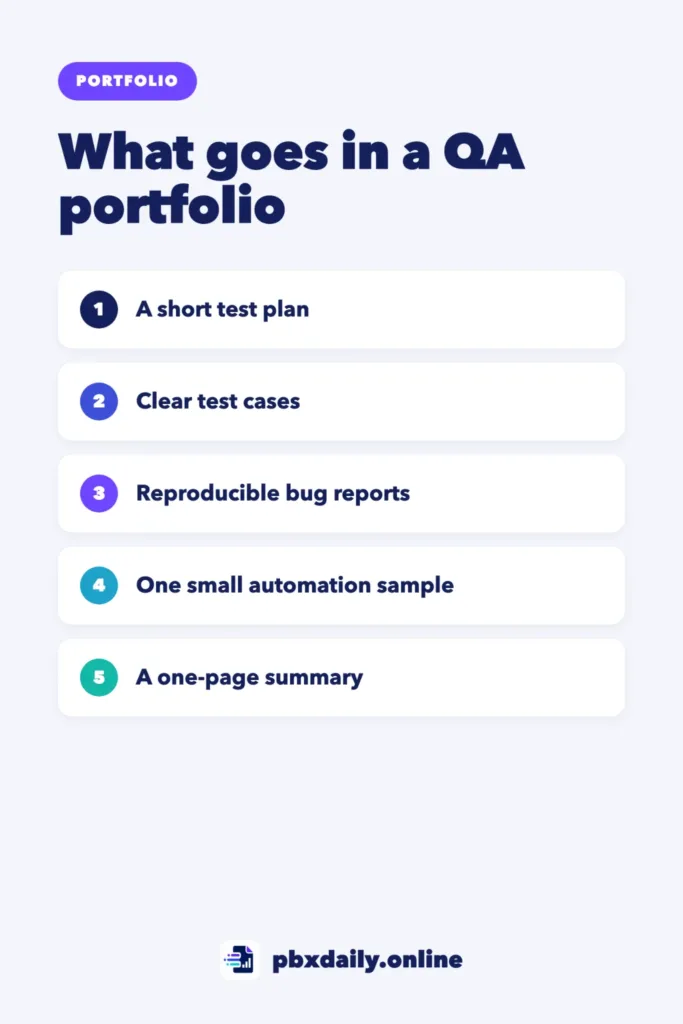
What Recruiters Look For in a QA Portfolio
A reviewer skimming your QA portfolio wants answers to a few questions:
- Can you think systematically? Does your test plan cover the important areas and explain what you left out?
- Can you write clearly? Could a developer reproduce your bug from the report alone?
- Do you understand priorities? Did you mark which bugs matter most?
- Can you use common tools? Are your test cases in a clear format, and did you try an API or automation tool?
Quality beats quantity. One app tested well says more than ten apps tested quickly.
Choose the Right App to Test
Pick a public website or app with real features, such as an online store, a booking site or a to-do app. Good choices have forms, search, filters or a checkout flow. Some sites are built specifically for testing practice, which is a safe way to start.
Test as a normal user would. Don’t attack the site, overload it with traffic or try to access data that isn’t yours, and stop before any real payment step. If you find a security problem, don’t exploit it. Note it privately and report it through the company’s official contact if it has one.



Piece 1: A Short Test Plan
A test plan shows that you think before you click. Keep it to one or two pages:
TEST PLAN: [App name] - [Feature, e.g. search and product filters]

1. Scope
In scope: [search box, category filter, price filter, sorting]
Out of scope: [payment, user accounts]

2. Approach
Manual functional testing, exploratory sessions, basic
cross-browser checks (Chrome, Firefox) and mobile view.

3. Environment
[Browser and version], [operating system], [device for mobile]

4. Risks and priorities
Highest risk: [wrong results after filtering]
Medium: [sorting], Low: [visual alignment]

5. Entry and exit criteria
Start: feature is publicly available
Done: all high-priority test cases run, bugs reported

6. Deliverables
Test cases, bug reports, short summary of findings
Piece 2: Test Cases
Write 15 to 30 test cases for the feature, mixing normal use, wrong inputs and edge cases. A spreadsheet works well. Include these columns:
| ID | Title | Steps | Expected result | Actual result | Status |
|---|---|---|---|---|---|
| TC-01 | Search with a valid product name | 1. Open home page 2. Type “running shoes” 3. Press Enter | Results show running shoes | As expected | Pass |
| TC-02 | Search with empty input | 1. Leave search empty 2. Press Enter | A helpful message or no action | Page shows an error code | Fail |
| TC-03 | Price filter at maximum value | 1. Set max price to the highest allowed 2. Apply | All products up to that price are shown | As expected | Pass |
Show that you used test design techniques: boundary values for the price filter, different input types for search and checks on both desktop and mobile.
Piece 3: Bug Reports
Three or four excellent bug reports are the heart of a QA portfolio. Use the same structure every time:
BUG-03: Empty search shows a raw error code instead of a message

Severity: Medium   Priority: Medium
Environment: Chrome [version], Windows 11, desktop

Steps to reproduce:
1. Go to the home page
2. Leave the search box empty
3. Press Enter

Expected result:
The search does nothing or shows a short message such as
"Please enter a search term."

Actual result:
The page shows "Error 500" with no explanation.

Attachments: screenshot, short screen recording
Notes: Happens every time. Also occurs on Firefox [version].
A good report has a specific title, steps anyone can follow, a clear expected result and evidence. If a developer would need to ask you a question, the report isn’t finished.
Piece 4: Optional Automation or API Tests
If you’re learning automation, add one small, clean example: a few automated checks for the same feature, or a set of API requests with assertions. Keep it focused, with a README that explains how to run it. A small working example is better than a large, broken one. If you’re targeting manual testing roles, you can skip this piece at first.
How to Organize It on GitHub
A single repository with a clear structure is easy to share:
qa-portfolio-online-store/
  README.md            summary, scope, tools, key findings
  test-plan.md
  test-cases.csv       or a link to a shared spreadsheet
  bug-reports/
    BUG-01.md
    BUG-02.md
    BUG-03.md
  screenshots/
  automation/          optional
    README.md
The README is what reviewers read first, so make it count. Our guide to writing a GitHub README recruiters will actually read applies here too, and if Git is new to you, start with our guide to Git and GitHub for beginners. Pin the repository on your profile, as described in how to make your GitHub profile look professional.
Write a Short Case Study
Add a one-page summary that tells the story: what you tested and why, how you approached it, the most important bug you found and what you’d test next. Our guide to the developer portfolio case study includes a section on adapting it for QA projects.
How to Present Your QA Portfolio in Applications
A great portfolio only helps if reviewers see it. Make it part of every application:
- On your résumé: add a “Projects” section with one line per project, such as “Tested search and filters of a public online store: 25 test cases, 4 documented bugs.” Include the link.
- In your cover letter or message: mention your most interesting bug in one sentence and link to the report.
- On LinkedIn: add the repository to the Featured section and write a short post about what you learned.
- In interviews: be ready to walk through one bug report and explain how you decided what to test first. Our guide on how to present your portfolio in an interview covers the live walkthrough.
Reviewers spend little time on each candidate, so point them straight to your best piece instead of asking them to explore.
Mistakes That Weaken a QA Portfolio
- Only screenshots, no reports. Reviewers want to see your writing and reasoning.
- Trivial bugs only. A typo is fine as one example, but include functional bugs too.
- Copying templates without filling them well. Generic test cases suggest you didn’t really test.
- Testing in harmful ways. Never include anything that looks like hacking or overloading a site.
- Hiding the portfolio. Link it in your résumé, LinkedIn and job applications.
QA Portfolio: Frequently Asked Questions
Do I need a QA portfolio if I have a certification?
It helps a lot. A certification shows you know the concepts, while a portfolio shows you can apply them. For junior roles with many applicants, practical examples are often what gets you an interview.
How many projects should a QA portfolio have?
One complete project is enough to start: a test plan, test cases and three or four strong bug reports for one feature. Add a second project for a different type of app later, such as a mobile app or an API.
Can I report the bugs I find to the company?
If the company has a feedback form or a bug reporting channel, you can share functional issues politely. For anything security-related, don’t test further. Use the company’s official security contact if it has one, and don’t publish details in your portfolio.
Your Next Step
Choose one app and one feature today and write the test plan using the template above. Tomorrow, write your first ten test cases. For more on what to include in your overall portfolio, read our guide to the beginner developer portfolio, and for more project ideas, see our list of portfolio project ideas for beginners.

Luiz Loiola is a digital strategist and the founder of PBX Daily. He writes about technology, programming, artificial intelligence, freelancing, remote work, career change, and online income, helping beginners and professionals build practical digital skills, create new career opportunities, and compete in the global online market.